All-in-one Free AI Video Creation Platform

Create AI-powered stunning visual contents in seconds. Turn your ideas, text prompts or images into high-quality cinematic videos instantly. Generate, edit and transform visuals with AI tools designed for speed, precision and creative freedom. No editing skills required.

0M+Active creators
0+Ready-made apps
0+Frontier models
0.0★Avg. rating

From idea to video in three steps.

No timeline, no render queue. Describe it, pick your model, and watch it come to life.

1

Describe your idea

Type a prompt or drop in an image. Add style, mood and references — the more detail, the better the result.

Text promptImage uploadReferences
2

Pick a model & tune

Choose from VideoCreate, Seedance, Kling & more. Set aspect ratio, duration and resolution in one click.

15+ modelsAspect & durationResolution
3

Generate & ship

Hit generate and watch it render. Edit, lip-sync or upscale, then publish straight to every platform.

Edit & upscaleLip syncPublish anywhere

A free AI video generator that does more than one thing.

Start from text or an image, keep characters consistent, and finish with an export-ready clip — all in one workspace.

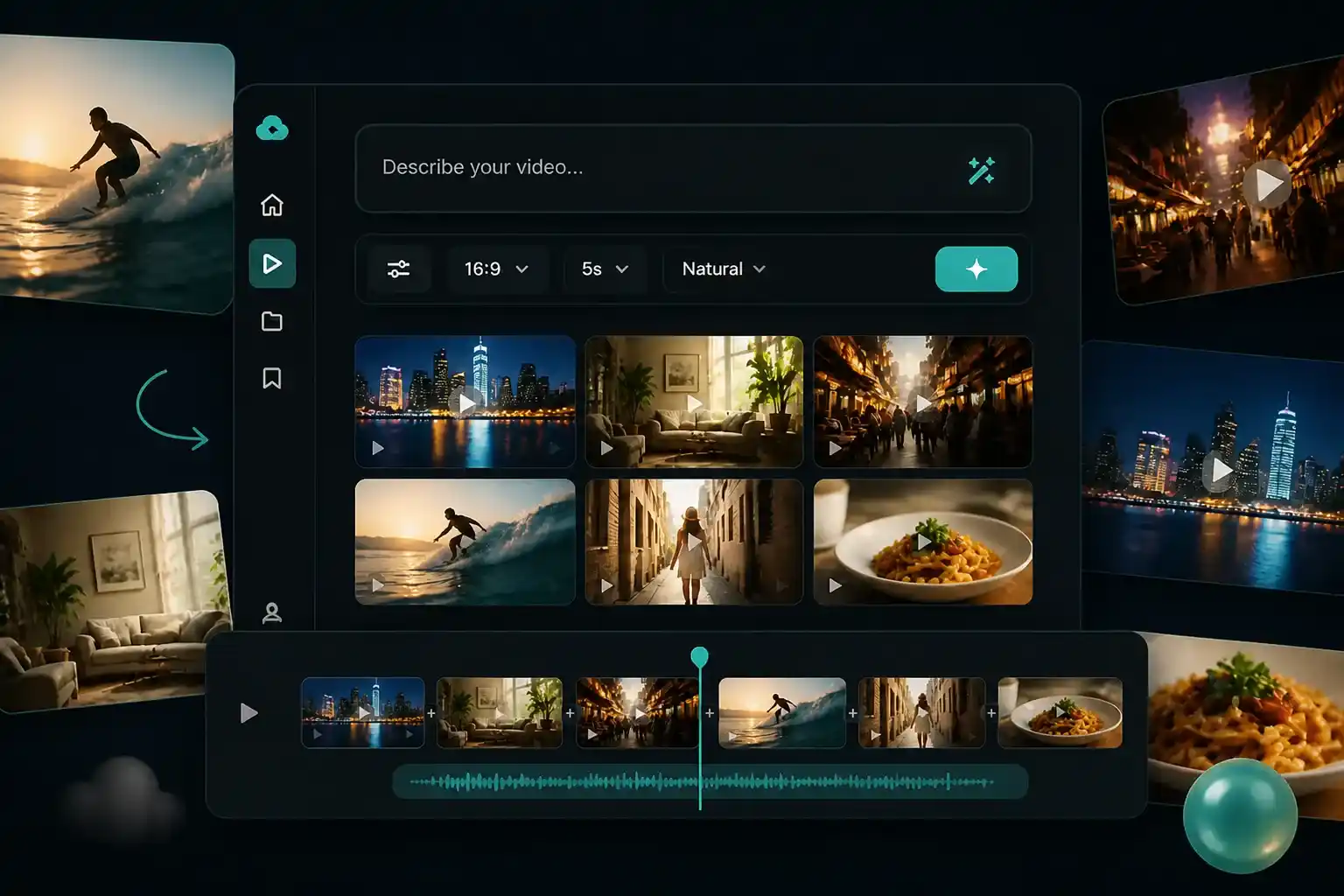
Text to video AI turns a written scene description into a short cinematic clip with motion and lighting.
Text to Video AI

Start with a sentence instead of a script. Type what should happen — a product unboxing, a city at night, a character walking through a market — and the AI video generator drafts a matching clip with motion, lighting, and camera feel. Creators use text to video AI to test hooks before filming, and marketers turn a single brief into several ad variants in one sitting.
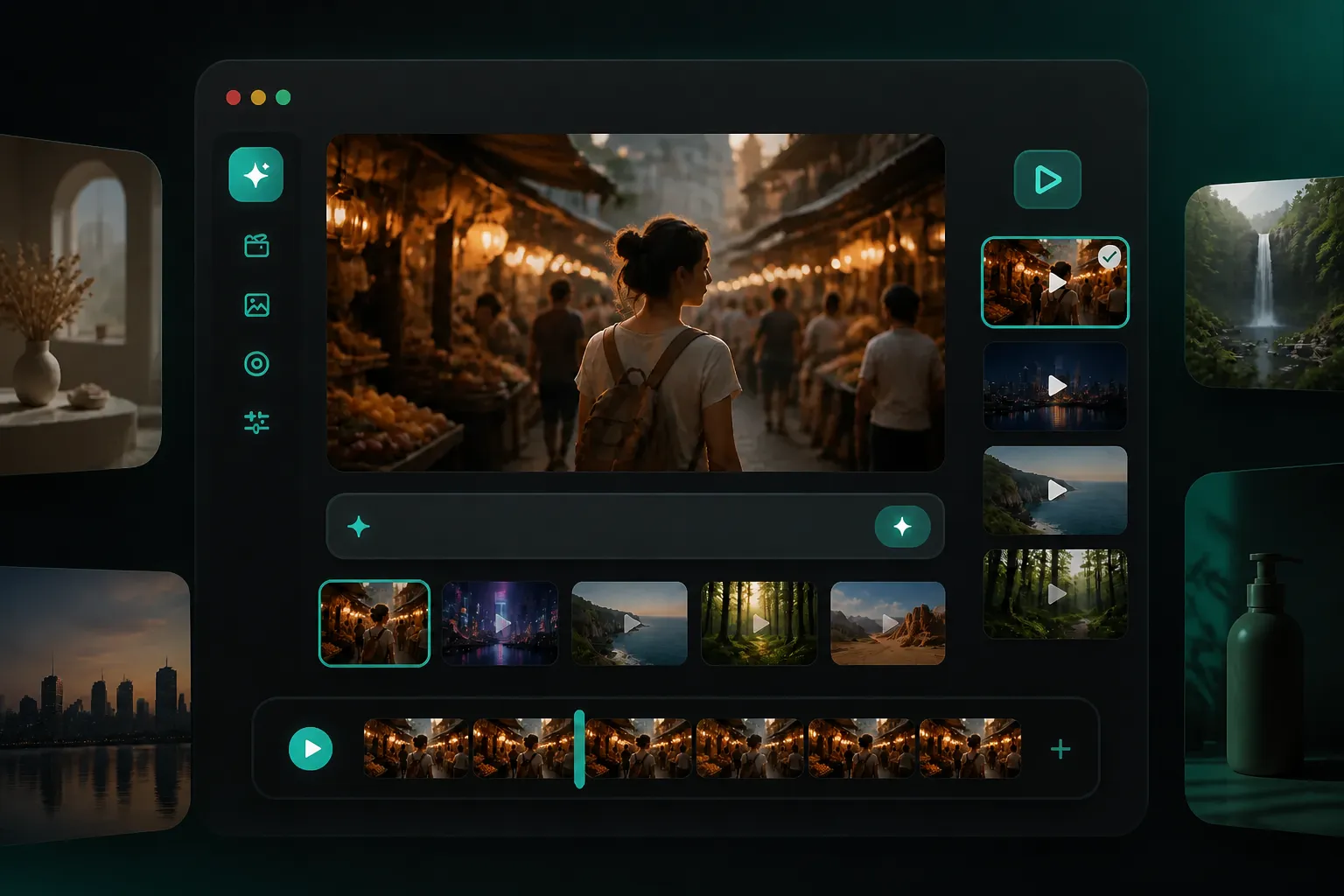
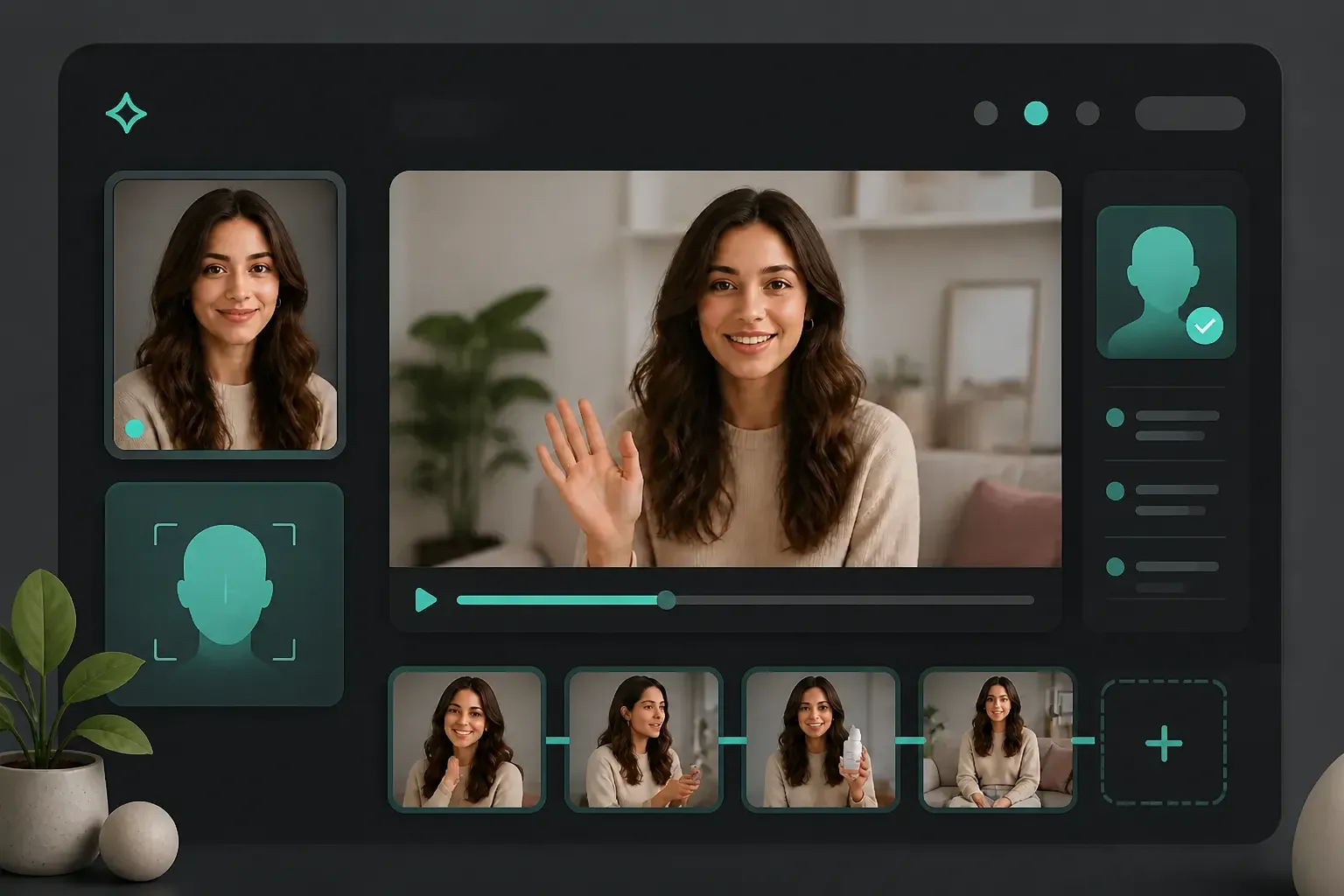
Image to video AI animates a single product photo with a subtle camera push-in and a changed backdrop.
Image to Video AI

A still product shot or a portrait can become a moving scene. Upload the image, and image to video AI animates it with a subtle push-in, a change of weather, or a full environment swap — without a reshoot. Small brands turn one product photo into a rotating showcase, and creators give a single selfie a cinematic entrance for Reels and TikTok.

AI reference to video generator keeps the same character consistent across multiple video scenes.
Reference to Video

Recurring characters break the spell when the face drifts between clips. With AI reference to video generator mode, you lock a reference image so the same person, mascot, or product appears across every scene. Filmmakers storyboard a hero consistently, and agencies keep a brand spokesperson on-screen from the first frame to the last.

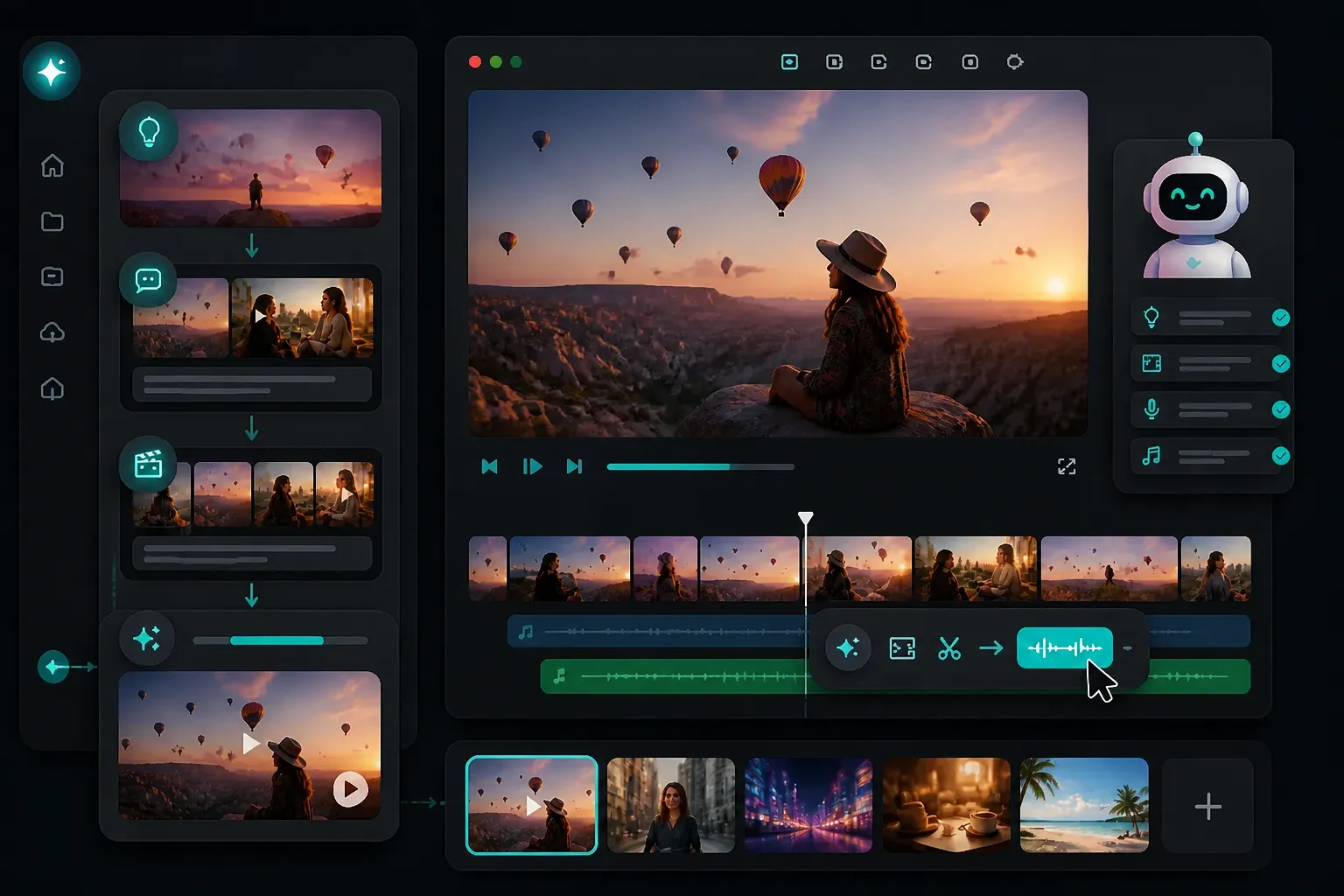
An AI video maker plans, generates and edits a draft clip inside one workspace with a timeline and model picker.
AI Video Maker

Beyond a single button, an AI video maker can take a rough idea and run with it. Describe the goal, let the workspace pick a model, generate the draft, then trim scenes or swap a voiceover with a short command. Pair it with the AI creative agent to move from brief to a publishable clip without jumping between separate tools.

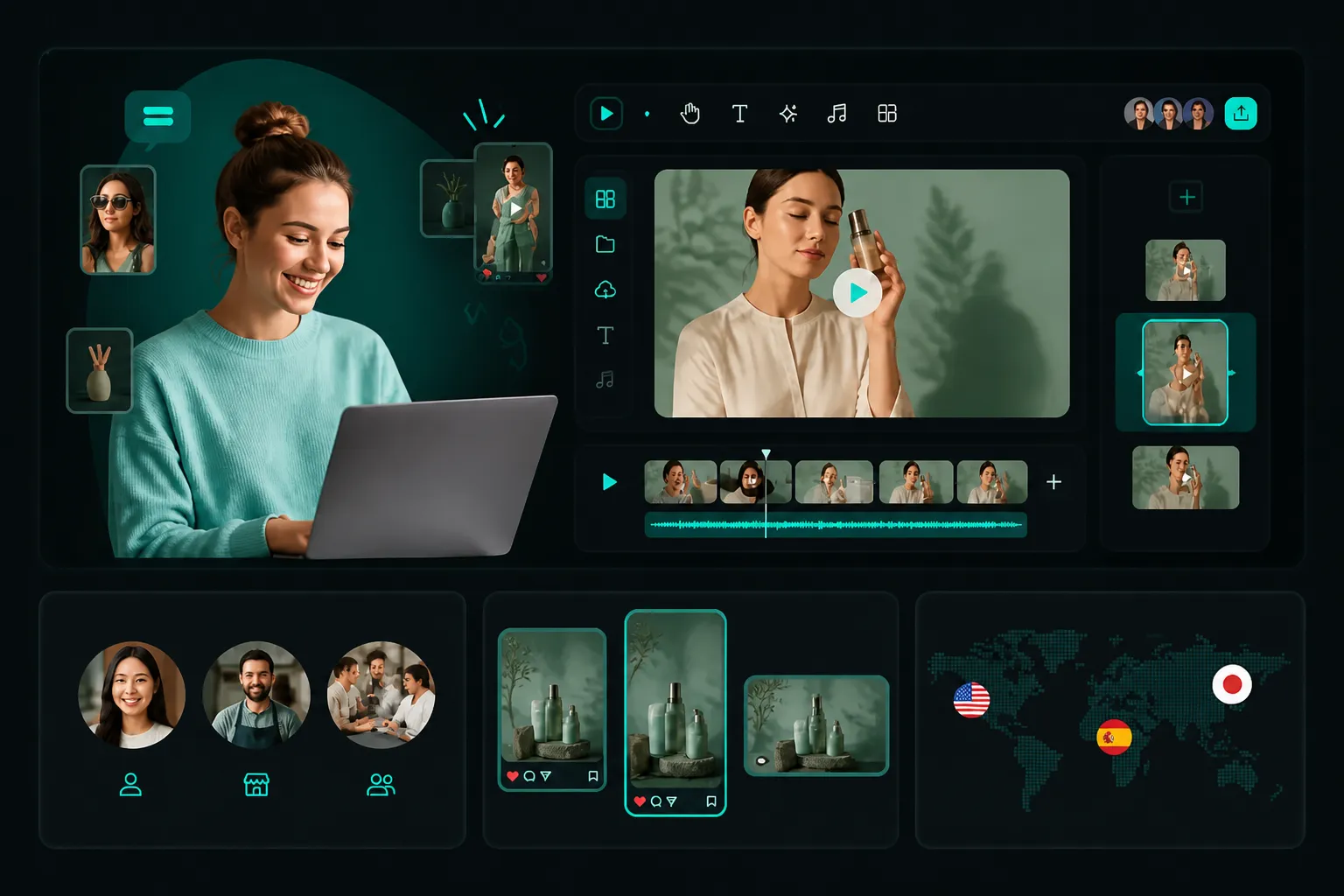
An AI video creator serves a solo creator, a shop owner and a marketing team from one prompt.
AI Video Creator

One prompt fits more than one job. An AI video creator serves a solo TikToker, a shop owner posting daily, and a marketing team localizing the same message in three languages. Because outputs are export-ready, the same clip feeds a feed post, a story, and a paid placement without a separate edit.

What You Can Create with an AI Video Generator

Why Creators Pick VideoCreate as Their AI Video Generator

Every frontier model in one workspace

Switch between VideoCreate 2.0, Seedance, Kling, and more without leaving the page. Compare results on the same prompt and keep the one that fits.

Start from text or image

Some ideas begin as words, others as a photo. Both routes lead to a clip, so you never reformat your source just to make a video.

Free to begin, no skills required

Generate your first short video without installing software or learning an editor. The interface guides prompt, model, and export in a few taps.

Fast from prompt to download

A rough idea becomes a previewable clip in minutes. Iterate on the spot instead of waiting on a render queue or an external studio.

Consistent characters with reference mode

Lock a face or product so it survives across scenes. Campaigns stay coherent, and recurring hosts keep their look from clip to clip.

Export-ready for every platform

Download in 16:9 or 9:16 up to 1080p, watermark-free. The same file drops into a feed, a story, or an ad placement without a re-edit.

All your marketing visuals,
in one studio.

Ads, designs, social content, and product demos — on-brand and ready to launch across TikTok, Instagram, Shopify, Amazon, and more.

  • Drop in a product link or photo — get a full ad cut
  • Batch 10 hook variations before lunch
  • Auto-resize to every platform aspect ratio
  • One-click brand kit application
Video
On-brand · ready to launch

Images, videos, voices, and characters.
All in one place.

Everything you need to bring an idea to life, without switching tools.

Cinematic motion

Give every shot lifelike movement, dynamic pacing, and smooth camera flow.

Endless styles

From ultra-realism to anime — find the right look that fits your idea.

Voices & audio

Generate natural voiceovers, clone a voice, and add sound effects in seconds.

Consistent characters

Build a character once and keep them on-screen across every scene and shot.

Bring the idea.
Get the finished work.

From initial concept to final result, VideoCreate Agent handles the creative process end-to-end — story videos, video ads, product visuals, social posts, and graphic designs, all done for you.

Marketing VideosStory VideosE-commerce CreativesSocial ContentDesign
Create a cinematic 15-second vertical music-listening ad with a freckled woman in a neon city.
Music-listening lifestyle ad is ready · 15s · 9:16 · cinematic, realistic
Creative structure: Headphone close-up → tap Play → neon bus portrait → wet city walk → rooftop at dusk → direct-to-camera ending.

Every frontier model. One platform.

Kling, Seedance, Grok , MiniMax, and VideoCreate's own — tuned for the work above. New models land here first. One subscription. The whole frontier.

Hover any model — same prompt, a different result
Seedance 2.0
Seedance 2.0 Mini
Seedance 2.5
Kling AI 2.6
Kling AI V3 Omni Video
Grok Video
MiniMax H3
VideoCreate 2.0
VideoCreate 1.0

Built for people who ship.

Creators

Post daily without a crew. Ideas become watchable in minutes, in your style, on your schedule.

Marketers

Test ten angles before lunch. Hooks, variations, and campaign-ready cuts at the speed of your media plan.

Agencies & studios

Client-ready output at scale. Pitch with finished film, not mood boards.

Join 10M+ creators making videos people watch.

0.0★
★★★★★
Average 4.9 / 5 · based on 128,400+ reviews across Trustpilot & App Store
Linda, social media creator from AustinLindaSocial Media Creator · Austin, USA
★★★★★

Visuals were my bottleneck — ideas, no team. Now I describe a scene and get a clip in minutes, then just swap the topic each week. Posting five times a week finally feels manageable.

Mia, e-commerce seller from BerlinMiaE-commerce Seller · Berlin, Germany
★★★★★

We launch 20-plus SKUs a month and used to book a photographer every time. One product shot now gives me try-on, color variants, and backgrounds in one pass. Content cost roughly halved.

Jesse, ad specialist from ManchesterJesseAd Specialist · Manchester, UK
★★★★★

I run 10 creatives a week in three languages for a D2C brand. VideoCreate spins variants in an afternoon, and the lip-sync handles Spanish and Portuguese dubs so creative keeps pace with the schedule.

Profile photo of SofiaSofiaCreative Director · Madrid, Spain
★★★★★

Client pitches used to mean mood boards and stock footage. Now we walk in with a finished 30-second film cut the same afternoon. Two clients approved concepts on the first call this month.

Profile photo of DanielDanielYouTube Educator · Toronto, Canada
★★★★★

My channel is faceless explainers, and B-roll was always the slow part. I type each scene, generate a clip, and an eight-minute video goes from script to upload in two evenings instead of two weeks.

Profile photo of AikoAikoBrand Manager · Tokyo, Japan
★★★★★

Keeping one mascot consistent across fifteen markets was impossible before. Reference mode locks the character, and every regional team generates on-brand videos from the same prompt template.

Free AI Video Generator FAQ

A good starting point is one that needs no editing software. With VideoCreate you type a prompt or upload an image, pick a model, and download a clip — the learning curve stays flat for the first project.

Write the brief as a prompt or drop in a product photo, choose a model, set aspect ratio and duration, then export. Teams can localize the same clip across languages without a separate edit.

Step one: open the generator and add a prompt or image. Step two: pick a model and adjust ratio, length, and resolution. Step three: preview and download the finished clip in 16:9 or 9:16.

Type a description of the scene — subject, setting, motion — and the AI video generator returns a matching clip. Add a reference image if you need a consistent character across shots.

Yes. Upload a photo and image to video AI animates it with camera moves or an environment change, which is useful for product showcases and portrait intros without a reshoot.

You can start creating text and image to video without paying, which fits a first project or a quick test. Paid plans apply as you scale resolution or volume.

Use reference mode to lock a face, then pick a model known for stable motion. Consistent characters matter more than raw realism for ongoing hosts and spokespeople.

Export-ready clips are built for posts, ads, and pitches. Check the plan terms for commercial use at scale, and keep brand assets cleared before publishing paid campaigns.